A traditional automation tells you when it breaks. The node throws, the run goes red, you get an alert. A decade of software has trained you to trust that signal: green means done.
Put an AI step inside that automation and the signal stops meaning much. The run still goes green. The step still "executed." And the output can be wrong in a way nothing in the log will show you. This is the failure mode that makes an AI automation feel great for a week and then quietly cost you. It's worth understanding before you hand one a job that matters.
The name for it is a silent failure: a scheduled run reports success while its output is wrong, and nothing raises an error. It isn't a fringe case. When Princeton researchers profiled fifteen agentic models in early 2026, capability had climbed sharply while reliability barely moved (the paper, or Fortune's shorter writeup). The models can do more. They still can't do it consistently, and that gap is exactly where an unattended job breaks.
Why a workflow builder won't catch a bad AI step
I'm picking on n8n because it's the clearest case, and because I like it. I spent a month at a previous company building an outreach pipeline in it. For deterministic work, the kind where a trigger fires, data moves, and a system syncs, it's good, and I still recommend it for exactly that.
The trouble is what n8n sells you: a deterministic graph. Every edge carries a known shape of data, every node runs the same way every time, and the execution log records that it did. That guarantee is the whole point. It's also the thing an AI step breaks. For where each kind of recurring task actually belongs, I compared n8n, the provider agents, the self-hosted ones, and a dedicated job layer here.
When a model sits in the middle of the graph, the run log keeps doing its job. Node started, node finished, no error. But it has nothing to say about whether the model's decision inside that node was any good. The log verifies execution. It can't verify judgment. And the more AI steps you chain, the more places a wrong one can hide: string several probabilistic steps together and the odds that every single one is right fall faster than you'd guess. So you get the worst of both: the reassuring green check of a deterministic system, wrapped around a step that's anything but. I've written before about why AI fails silently while ordinary software fails loudly; this is the same problem, with a logging system making you feel safer than you are.
What a silent failure looks like in practice
Here's a real one. One of my own monitoring jobs ran on schedule: search a set of sources, filter by some rules, drop duplicates, write the surviving rows to a sheet. It finished cleanly. Seven rows written. No errors, no failed steps. By every signal a workflow builder gives you, a successful run.
It wasn't. A separate reviewer read the run afterward and flagged it. Here's what it caught, with the job-specific identifiers stripped out:
The worker logged 7 candidate rows, but 2 had clear issues: (1) one row was kept as a "high" match despite an explicit filter rule to drop that kind of source regardless of keyword match; (2) another row was upserted even though its ID was already in the dedup set from Step 1. Additionally, at least 3 of the 7 rows had incorrect age values (e.g., one row's actual age was about 7 hours but was written as 19). The filter violation and age inaccuracies are worth a human review, though the core work of searching, filtering, and writing rows was substantially completed.
Three things went wrong, and each is a different version of the same trap.
- A rule it ignored. It kept a row an explicit filter said to drop. Not a crash, not an exception. It just didn't apply the rule, and wrote a confident "high" next to the row.
- A stateful bug. It re-added an item that was already in the dedup set from an earlier step. This is the classic longtail of any multi-step pipeline: state from step one not surviving correctly into step three. n8n produces this exact category of bug constantly, and the run still reports success (I dug into several filed examples in the comparison post).
- Plausible wrong data. Three of the seven rows had an age that was just wrong. Nineteen hours written for something about seven hours old. This is the one that should worry you. There's no wrong-looking output here. Nineteen is a perfectly reasonable number. Nothing downstream would flinch. The only way to know it's wrong is to have checked.
None of these threw an error. None of them turned the run red. A workflow builder would have logged all seven rows as written and moved on, and so would I, because I wasn't watching that run. That's the whole point of automating it.
Pulled out as a pattern, the three recur everywhere AI runs unattended:
| Failure type | What it looks like | Why the log still says "success" | What catches it |
|---|---|---|---|
| Ignored rule | A row kept that a filter said to drop | The node ran; the rule lives in the output, not the run status | A reviewer checking the output against the rule |
| Stateful slip | A duplicate written, state lost between steps | Every step ran; nothing compares step three against step one | A reviewer that re-checks state across the whole run |
| Plausible wrong data | A confident, normal-looking value that's simply false | The value is well-formed, and logs can't tell true from false | A reviewer that reads the run, not just the result |
The same failure shows up wherever you leave AI alone
Swap the job and the shape is identical.
A support-triage job misreads a ticket and routes it to the wrong queue. It ran fine, the ticket moved, nobody flagged it. An invoice job books a bill that was already entered last week, because its idea of "already seen" drifted. Same dedup failure, now in your accounting. A weekly report states a revenue number that's confidently, specifically wrong, formatted perfectly, already sitting in someone's inbox. A customer follow-up references a plan the account isn't on.
Every one of these is a green run. Every one ships something wrong. The damage scales with how much the job touches and how long it runs before someone happens to look. And "happens to look" is doing all the work in that sentence, because once you're running more than two or three of these, nobody is looking. You saturate. Not because the jobs are hard, but because reviewing all of them by hand is a full-time job you didn't sign up for.
Why nothing catches this on its own
Two structural reasons, and both matter.
The execution log can only see whether code ran. It was built for a world where "ran without error" and "did the right thing" were close enough to the same thing. AI breaks that equivalence, and the log has no opinion on the gap.
And the worker can't catch its own drift. An agent grading its own output skews toward "looks done." It wants to finish, not to find the flaw it just produced. It's the same reason you don't review your own code or approve your own expense report. Whatever catches a silent error has to be separate from whatever made it.
How to catch errors that don't throw
You need something that reads the run, not just the result, and reads it with a goal the worker doesn't have. The worker wants to complete the task. The reviewer wants to find the place where "completed" and "correct" came apart, and pull in a human only when they did.
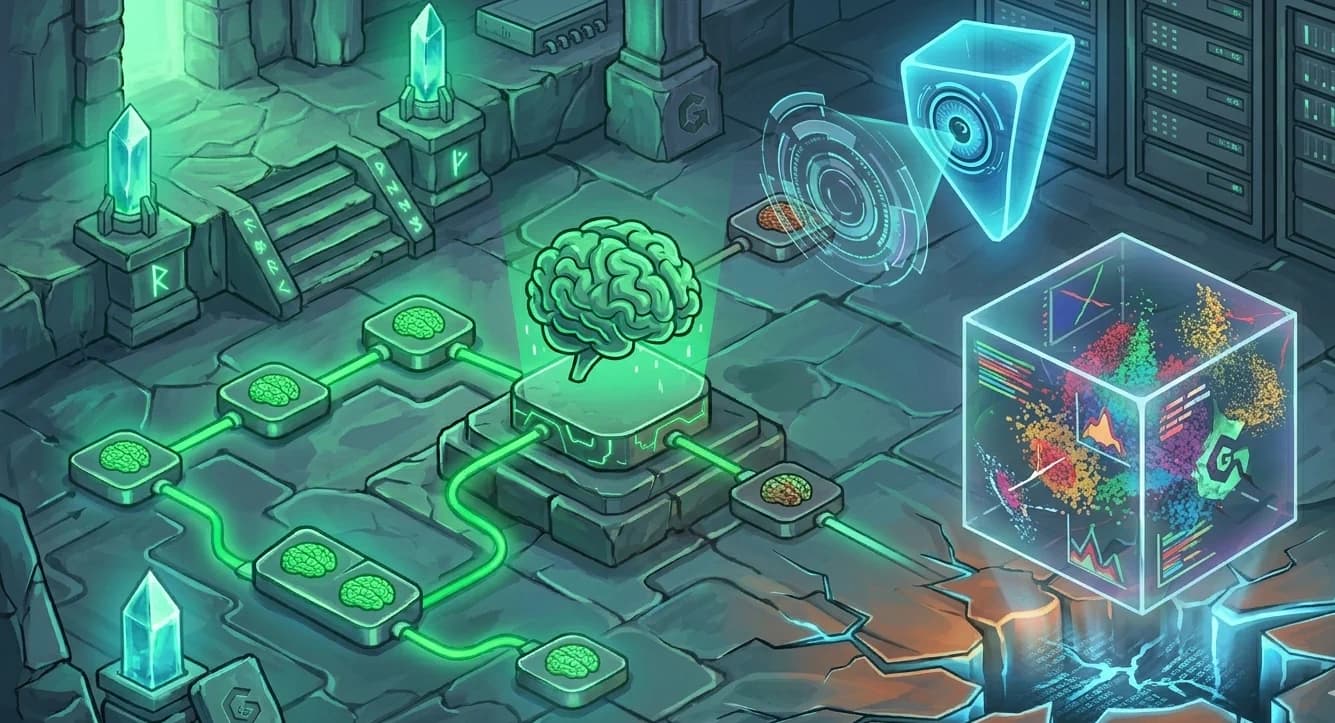
That's the idea behind the overseer in Golemry: every run gets read afterward by a separate evaluator, which is what produced the flag above. It caught the filter violation, the duplicate, and the wrong ages, none of which would have shown up in a log. And it had the nuance to say the core work was fine and these three things need a human, instead of failing the whole run or passing it blind. That's the difference between a reviewer you keep and an alert you mute by Thursday.
I'm not telling you to leave n8n. For the deterministic spine of your stack, stay. But be honest about which of your runs have an AI step inside them, because those are the ones where green stopped being a promise. Wherever those jobs live, whether a workflow builder, your agent's scheduler, or a job layer built for this, make sure something can tell the difference between "nothing to report" and "broken." The log can't. That was never its job.